
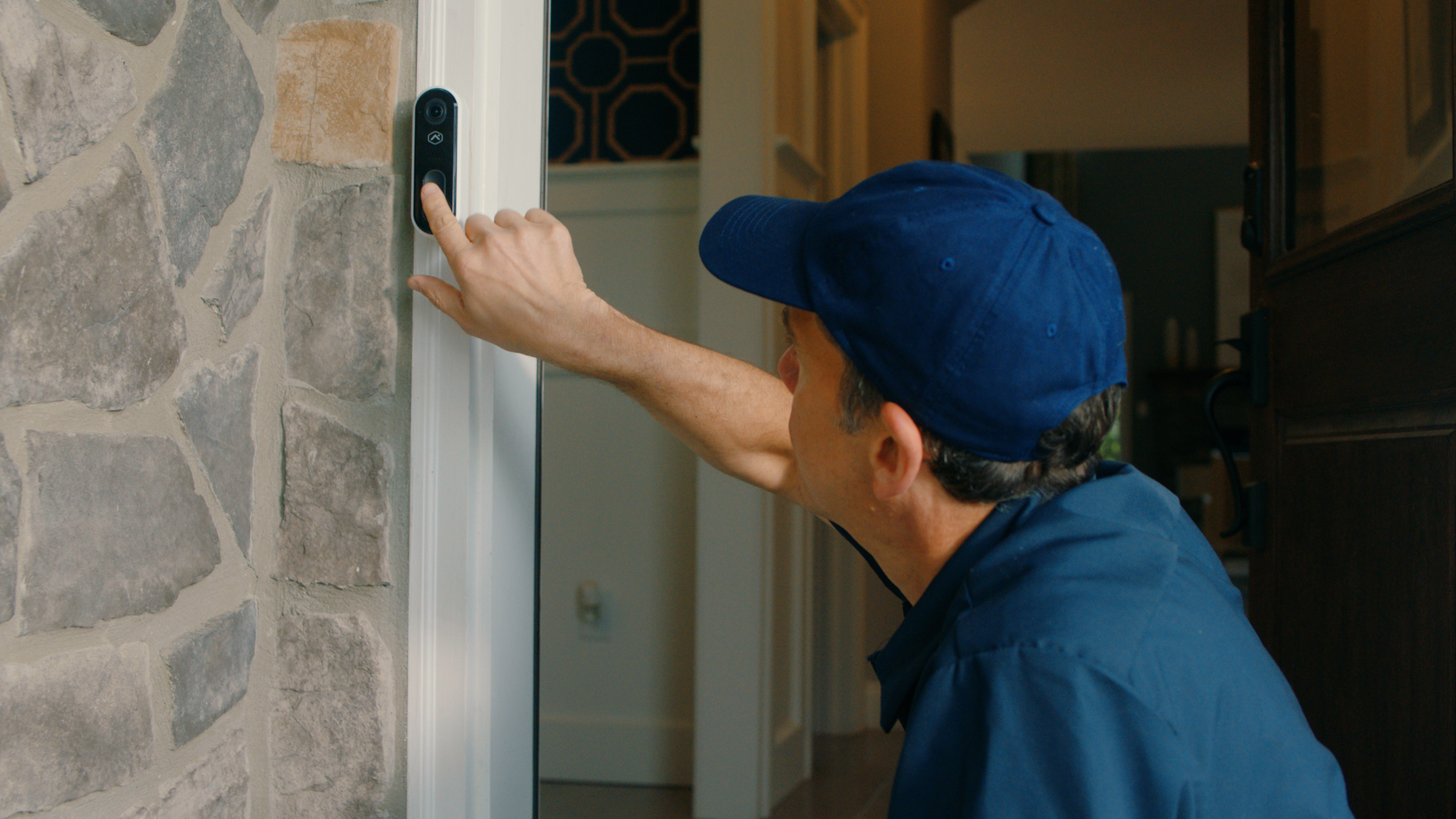
The Comprehensive Alarm System Maintenance Checklist serves as an essential tool for ensuring the optimal functionality and reliability of your security system. Regular adherence to this checklist not only enhances the overall effectiveness of alarm systems but also helps in identifying potential issues before they escalate. By conducting routine inspections and maintenance as outlined, organizations can safeguard their premises and maintain peace of mind. This proactive approach ultimately contributes to a robust security infrastructure.
Why Alarm System Maintenance Matters
Proper maintenance of your alarm system is essential for its reliability and effectiveness. Our Comprehensive Alarm System Maintenance Checklist offers valuable insights on how to maintain an alarm system effectively, including alarm system troubleshooting tips to address common issues. To ensure optimal performance, consider enlisting a professional alarm system service for regular inspections and updates. Stay proactive in protecting your property and enhancing the longevity of your security measures with this essential guide.
Here’s why regular maintenance is key:
- Reliability: Frequent checks ensure your equipment functions properly when you really need it.
- Security coverage: Detect and fix gaps in protection you may not notice otherwise.
- Cost savings: Prevent expensive equipment failure or property damage.
- Peace of mind: Confidence that your system is protecting what matters most.
Whether you’re relying on a traditional wired system or one of True Home Protection’s advanced home and business security systems, staying proactive goes a long way.
Your Complete Alarm System Maintenance Checklist
1. Test Your Alarm System Monthly
Most systems—especially modern ones—have built-in test modes. Set a monthly reminder to test if:
- The sirens are working properly
- Sensors are reporting correctly to the control panel
- Notifications are reaching your phone or monitoring service
If you subscribe to 24/7 alarm monitoring services, always inform your provider before running a test to avoid triggering a false alarm.
2. Check and Replace Batteries
Batteries are a common weak link. Even hardwired systems have battery backups that can fail.
- Sensor batteries usually last 3–5 years, but can die earlier with heavy use
- Control panel batteries and backup units should be inspected once or twice a year
Any low-battery warning shouldn’t be ignored—replace it promptly to avoid outages.
3. Inspect Exterior Sensors & Cameras
Weather, dirt, pests, and even shifting house structures can throw off the accuracy of your outdoor devices.
- Wipe down lenses and motion sensor covers
- Make sure cameras have clean, unobstructed lines of sight
- Re-align sensors if you’ve done any recent home renovations or landscaping
Don’t forget to test that cameras still capture footage clearly—especially at night or in changing weather conditions.
4. Check Windows, Doors, and Entry Points
Doors swell, windows shift, and sometimes equipment loosens over time.
- Ensure contact sensors are still aligned properly
- Check that adhesive hasn’t dried out or come loose
- Look for any wiring exposed to wear or animal damage
If you find a sensor hanging at an angle or not sitting flush, it may not trigger correctly in an actual break-in.
5. Update Your System Software
To ensure optimal performance of your alarm system, it’s essential to maintain regular updates for both your smart alarm firmware and any associated applications. Understanding how to maintain an alarm system is crucial for preventing potential issues. If you encounter any challenges, consider seeking professional alarm system service for expert assistance. Additionally, familiarize yourself with alarm system troubleshooting tips to help address minor problems independently.
- Outdated software can expose you to cyber vulnerabilities
- App updates often fix critical bugs or improve performance
- Reset and reconnect any devices that drop out
For those using the home security mobile app from True Home Protection, enabling automatic updates ensures you’re always running the latest version.
6. Review Coverage Zones and Settings
Over time, your security needs may change. Maybe you’re spending more time working from home, or you’ve added a detached shed or garage.
- Review your system’s zones and programming
- Update user codes and remove old access
- Set new automation schedules if you’ve adjusted your routine
This is also a good time to test panic buttons, duress codes, and entry/exit delay settings.
7. Listen for Strange Noises or Malfunctions
Your alarm system may communicate in nuanced ways, utilizing unusual beeps, flashing lights, or specific messages. Understanding how to maintain an alarm system is crucial for ensuring its effectiveness and longevity. Regularly check for any unusual indicators and consult your user manual for guidance on proper maintenance practices. This proactive approach will help you keep your system in optimal condition and provide peace of mind.
- Pay attention to repeated chirping or blinking warning lights
- Investigate any system messages on your control panel
- Reboot the system if necessary and monitor for recurring issues
If something seems off, don’t wait. True Home Protection offers same-day service to ensure problems are addressed quickly.
8. Clean Equipment Safely
Dust and grime can interfere with sensors, especially motion detectors.
- Use dry cloths or soft brushes—avoid harsh chemicals
- Clear debris from window and door contacts
- Remove cobwebs and dust buildup in corners or cameras
Cleaning your system should be part of any seasonal deep clean to keep things running efficiently.
When to Call a Professional
There’s a lot you can do yourself—but there are times when calling in an expert makes sense:
- Unexplained false alarms
- Dead zones where equipment isn’t responding
- Software bugs that can’t be fixed with an update
- Expanding your system (adding new zones, cameras, or smart tech)
True Home Protection offers ongoing support, system upgrades, and maintenance checks—whether you’re already a customer or looking to switch over.
How Often Should You Maintain Your Alarm System?
A well-structured maintenance schedule is essential for optimal performance. Utilize reminders or your home security mobile app to monitor upkeep, especially when overseeing multiple devices or properties. For effective maintenance, refer to the alarm system maintenance checklist, which includes crucial alarm system troubleshooting tips.
Don’t Forget: Document Any Issues
When you encounter any issues, such as a low battery or persistent sensor malfunctions, it’s essential to document these occurrences. Maintaining a detailed log will enable you to provide precise information when seeking technical support. This practice is a crucial aspect of how to maintain an alarm system effectively. By keeping track of ongoing problems, you ensure that your alarm system remains reliable and functional.
Details to note:
- Date and time of the problem
- Specific equipment affected
- Any error codes or messages displayed
- Any steps you tried before calling support
That kind of detail can help professionals resolve your issue quicker and more accurately.
Learn From the Pros
If you’re new to maintaining a system or just want a second opinion on your current setup, consult an expert resource. You’ll find helpful pointers that reinforce what we’ve covered—and maybe a few ideas you hadn’t considered.
Stay Protected With True Home Protection
Ensure that your smart alarm and associated connected devices are regularly updated with the latest firmware and app versions as part of your alarm system maintenance checklist. Keeping these components current is essential for optimal performance and security.
If you’re looking to upgrade, expand, or start fresh with a system that’s easier to maintain, explore our range of advanced home security systems. With UL-certified monitoring, same-day service, and smart features that integrate seamlessly into your life, we make safety simple—and reliable.
To ensure optimal performance of your alarm system, it’s essential to regularly check that the firmware of your smart alarm and any associated connected devices are current. Keeping all apps up-to-date is equally important, as this helps to enhance security and functionality. Understanding how to maintain an alarm system not only prolongs its lifespan but also provides peace of mind. Regular updates contribute to a more reliable and efficient security experience.
Want more home security advice? Stay connected with True Home Protection for tips, updates, and expert insights you can trust.
