
Why is True Protection the top security system provider in the state of Texas?
- We have proudly served home and business owners in Texas since 2011. The team at True Protection is experienced, highly reputable, and always helpful when designing a home or business security system
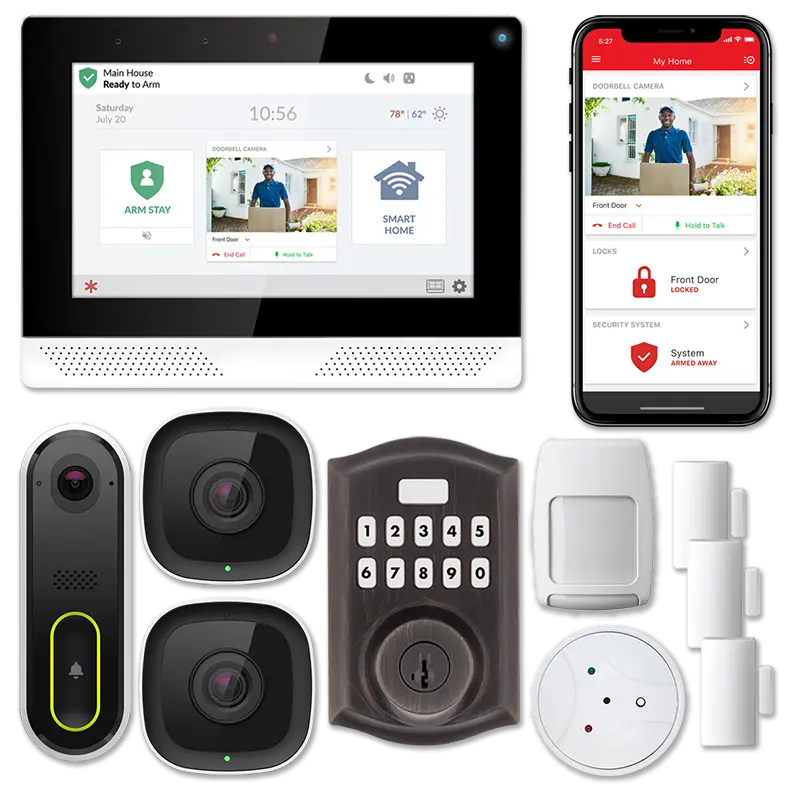
- Alarm.com powered technology for homes and businesses. Allows for complete control and convenience through the industry’s leading security system app.
- 24/7 professional security system monitoring by UL listed security monitoring facilities. We partner with the highest rated monitoring centers in the country to provide the fastest response times available.
- We service Austin, San Antonio, Houston, Dallas-Ft. Worth, and surrounding areas.
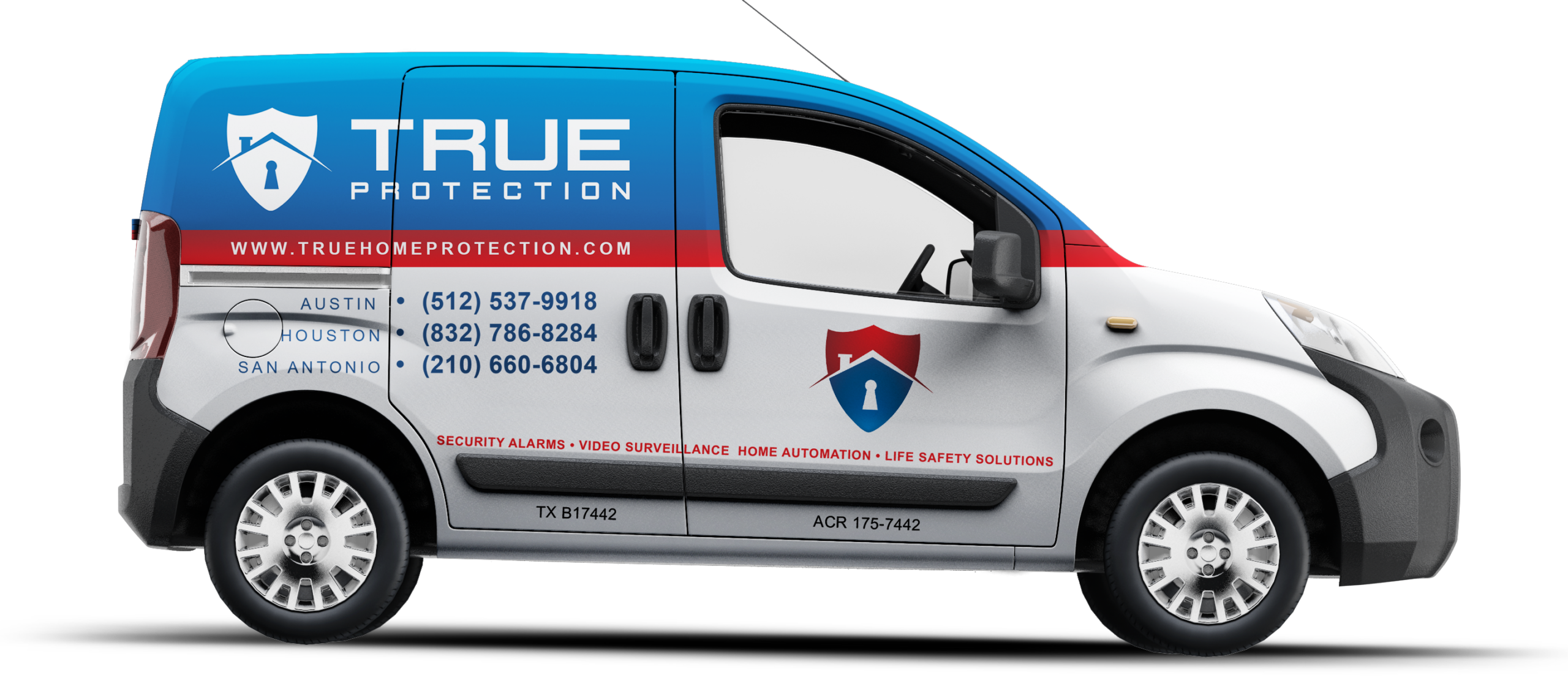
- Licensed Texas security professionals. We are regulated by the Texas DPS. Our License # is B17442. True Protection team members are licensed and insured for both commercial and residential security installations.
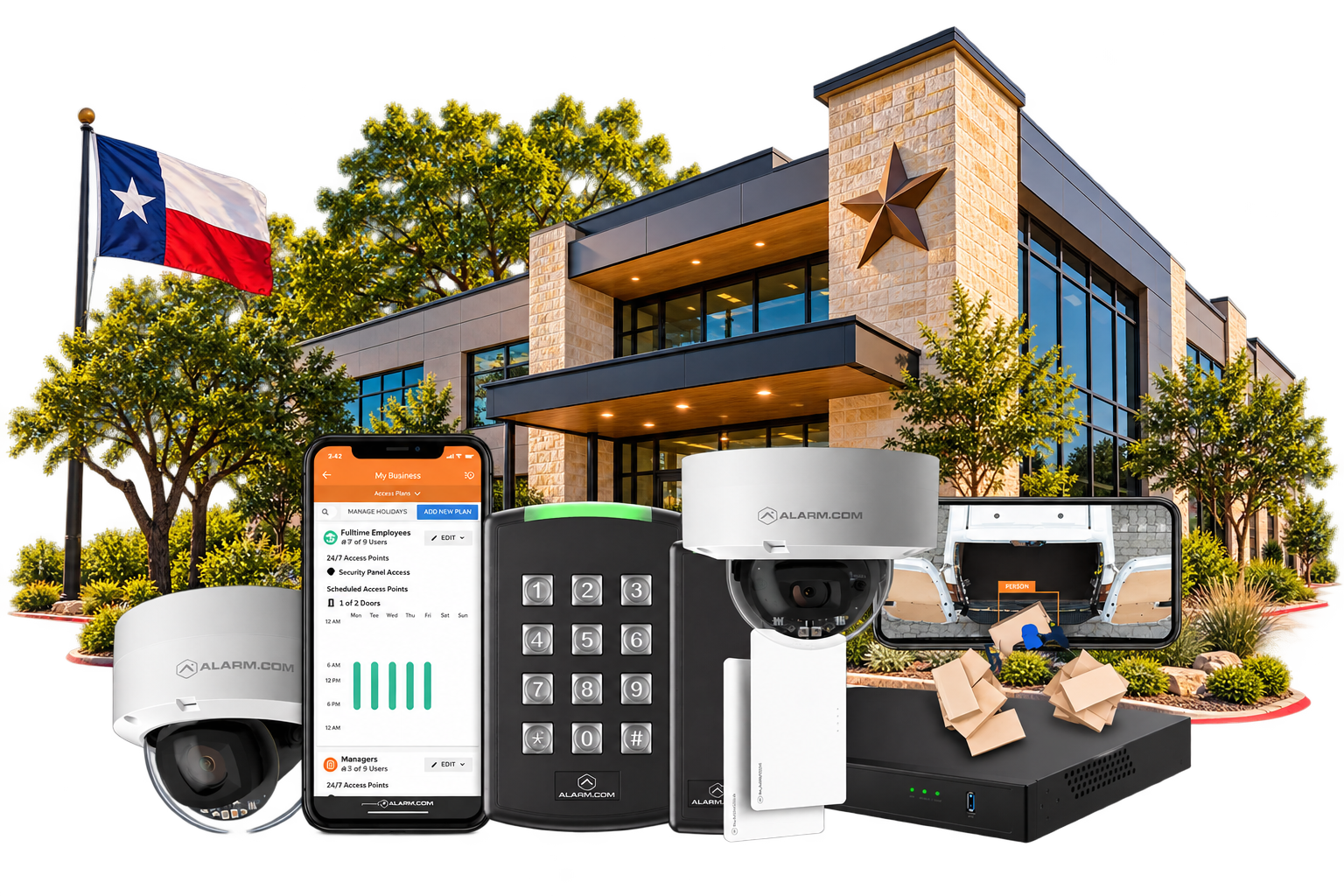
*True Protection’s Premium Business Security Solutions
Enter your information below to be connected to a home and business security professional!
What Makes a Well Designed Security System for Home and Business Owners in Texas?
Commercial Security
- Security Systems
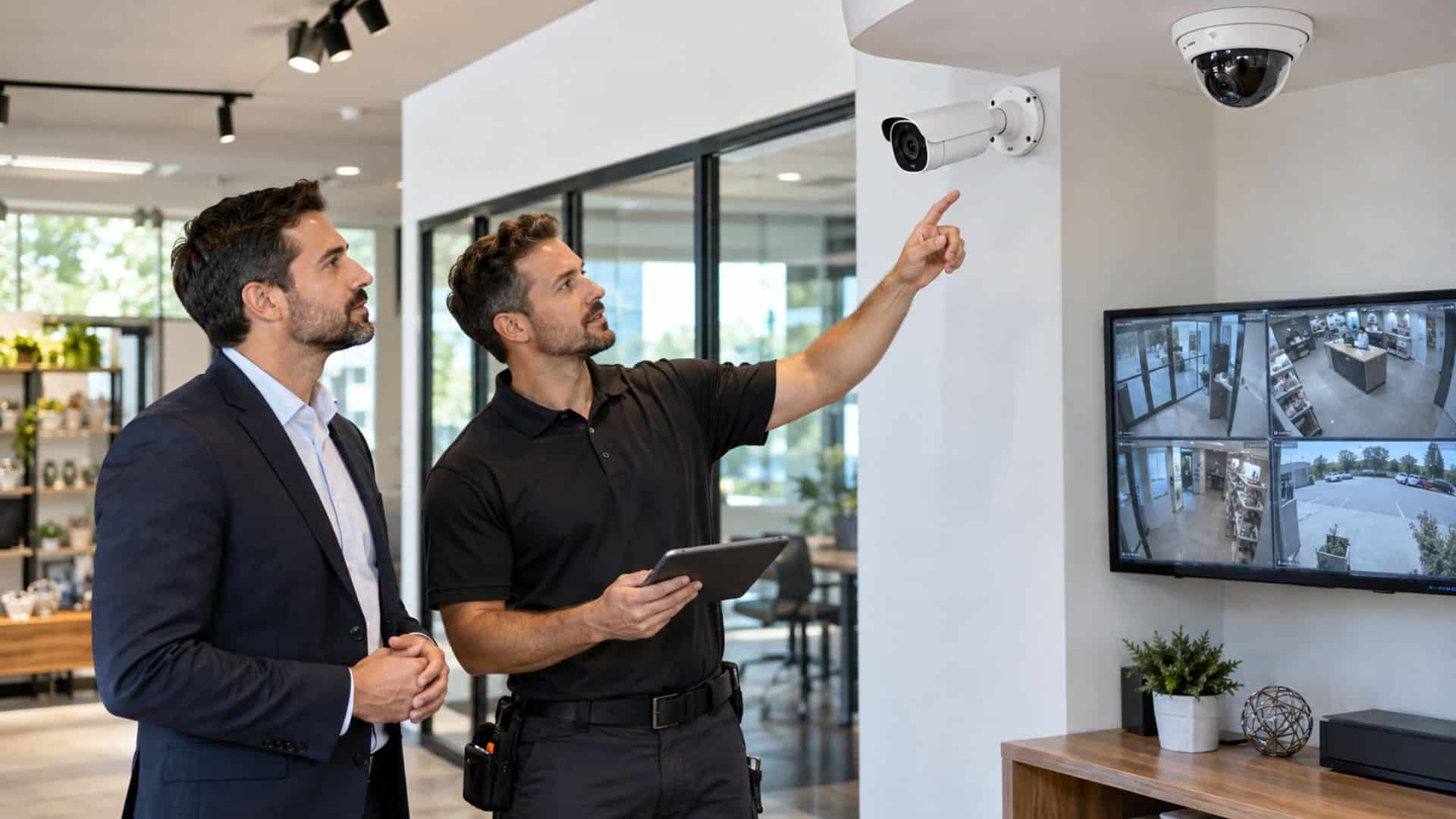
- Video Surveillance
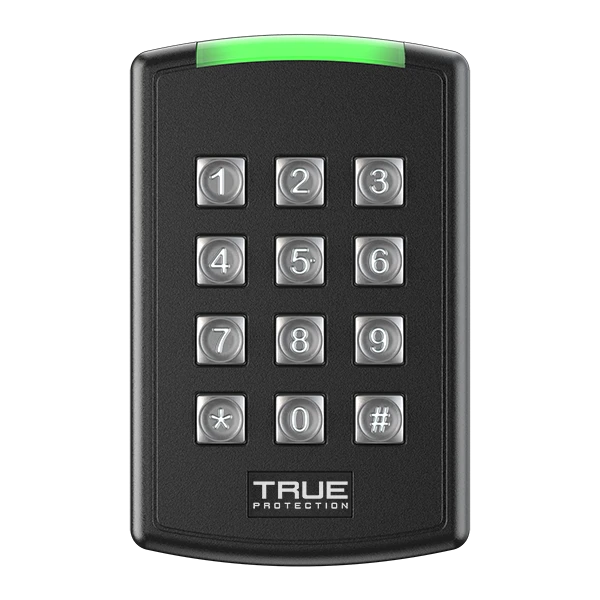
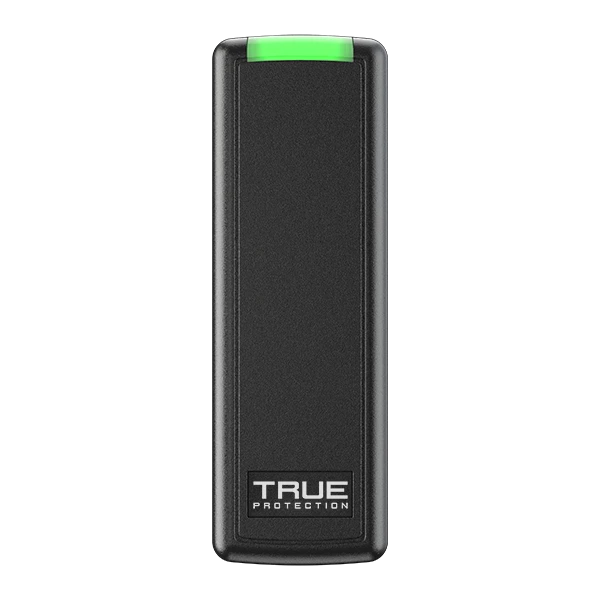
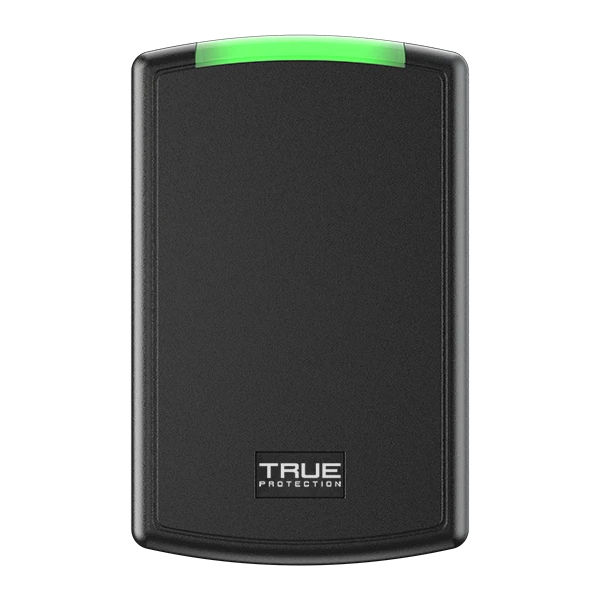
- Access Control
- Structured Cabling
- Multi-site Management




What are the most frequently asked questions we have when designing home security systems?
- Does True Protection require a contract? -At True Protection we have a variety of options from month-to-month to the industry standard 36 month agreement.
- What does professional security monitoring include? -Professional security system monitoring provides 24/7 response to alarm events through advanced technology. We are proud partners with Alarm.com and our UL-Listed facility UCC.
- Can True Protection re-use or upgrade my existing security equipment? -Many times we can utilize some or all of your existing equipment to reduce costs.
Popular Products & Services
We offer a variety of security systems for your home and business. Our systems at True Protection are designed to give you peace of mind and protect your business and home from personal harm and/or property loss. We also go a step beyond, offering access control and video surveillance installations to better protect your property.
Explore current home security deals for savings on monitored protection and equipment.
Interesting Articles From our Team of Security System Professionals
Neighborhood
AI and Security Systems

Why Texans Choose True Protection
Protect, Control & View From Anywhere, Anytime.
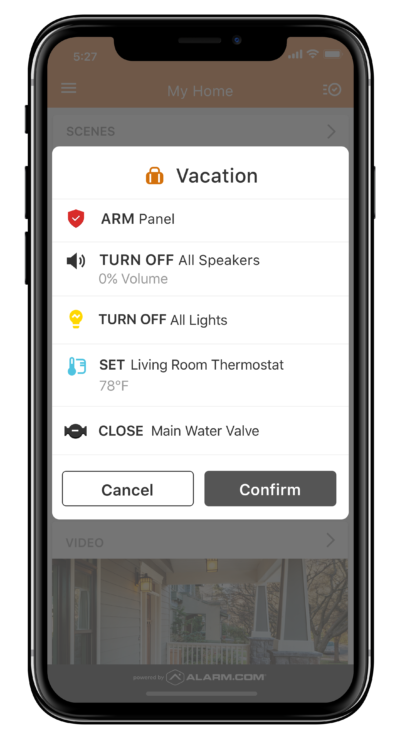
Alarm.com Powered Connected Home
Honey, Did We Remember to Lock the Door?
Check from your phone and keep your vacation on track. Get automated notifications based on geofencing rules and A.I. powered analytics.
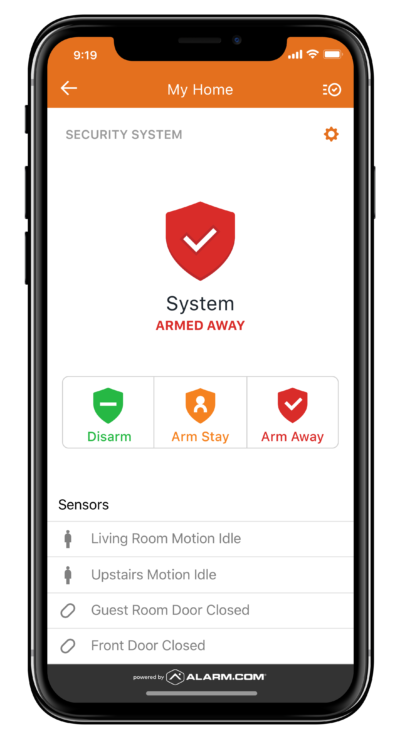
True Powered Security System
Did we remember to arm the security system?
With a True Protection security system, arm or disarm your security system from anywhere in the world with the push of a button.
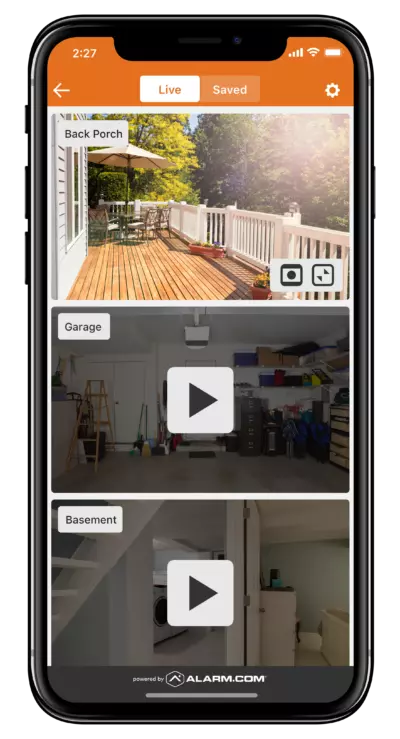
Video Surveillance Packages
Monitor Your Home or Business From Anywhere
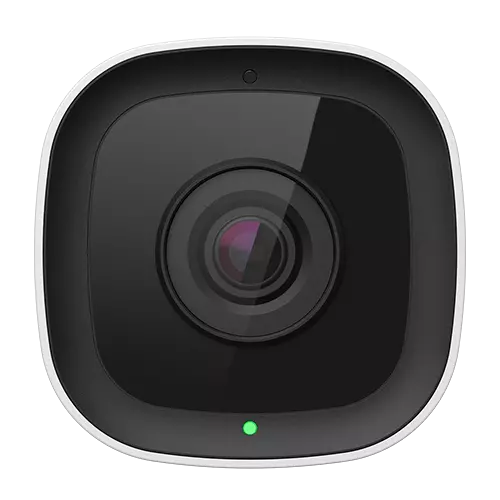
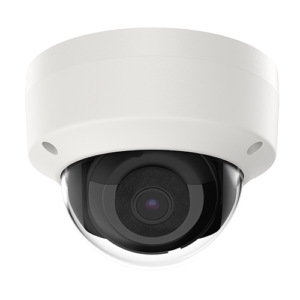
Remotely view your home or business with True Protection's video surveillance packages powered by smart analytics.
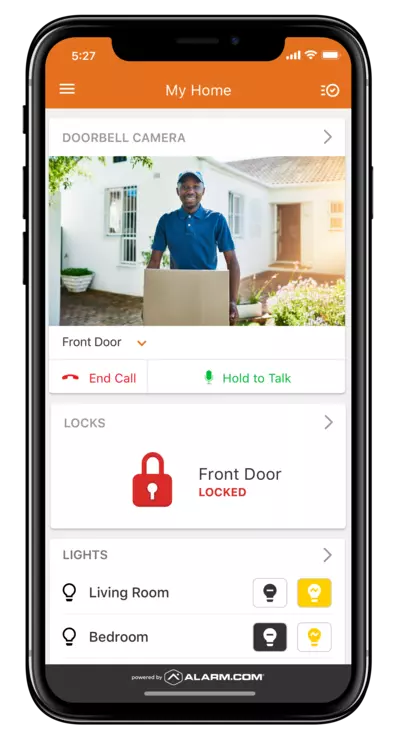
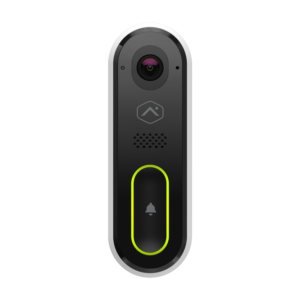
Alarm.com Doorbell Camera
See who's knockin' on your door.
Use your HD 2-way video doorbell camera to see who is at the front door without having to interrupt your family dinner.
Getting Started with True Protection
1. Contact True Protection
Fill out our form or call us at 1-800-393-6461 to receive a free quote for your home or business.
2. Customize Your System
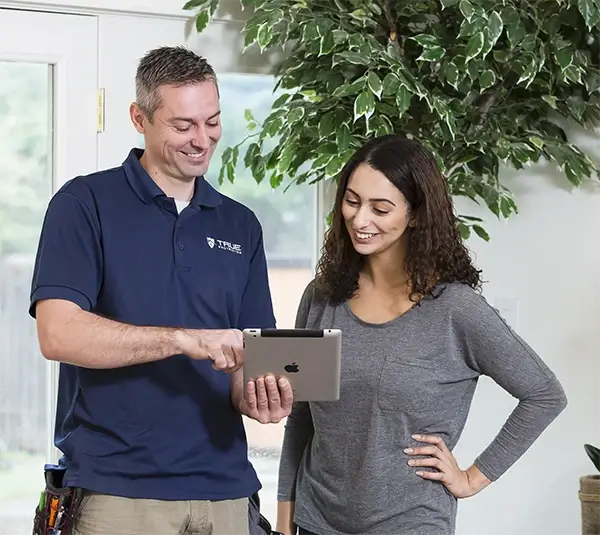
Speak with one of your local experts to help you find the best home or business alarm system for you.
3. Schedule Your Installation
After customizing your system, we will schedule a quick and painless installation at your convenience.
