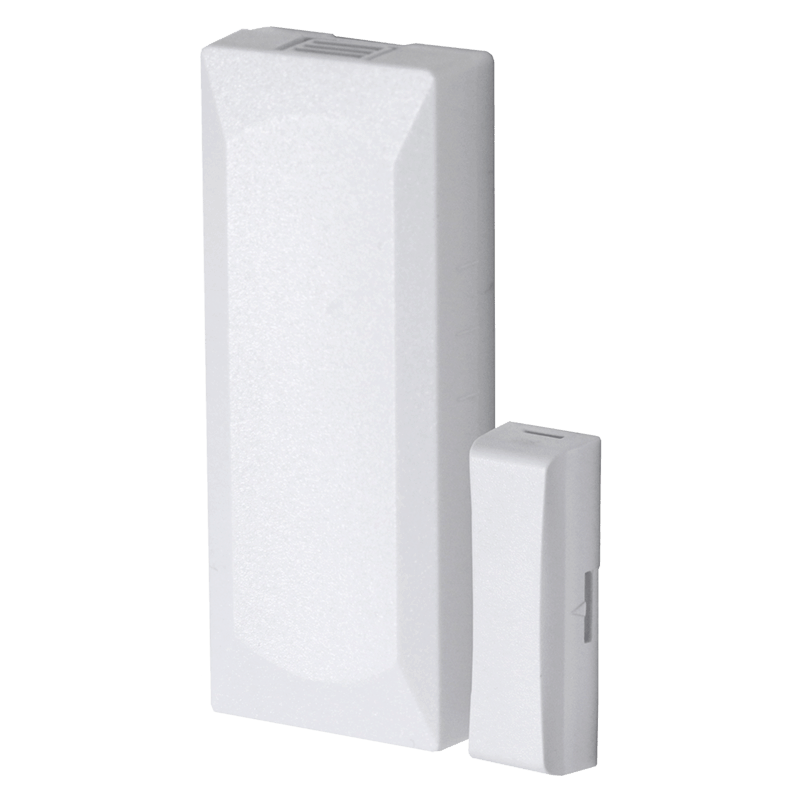
Product Overview
Smart Access Starts at Your Front Door: Installed by True Protection
Enjoy modern security, seamless smart home integration, and keyless convenience with Kwikset electronic door locks. Homeowners across Texas and beyond rely on True Protection to install Kwikset smart locks, securing their homes with confidence.
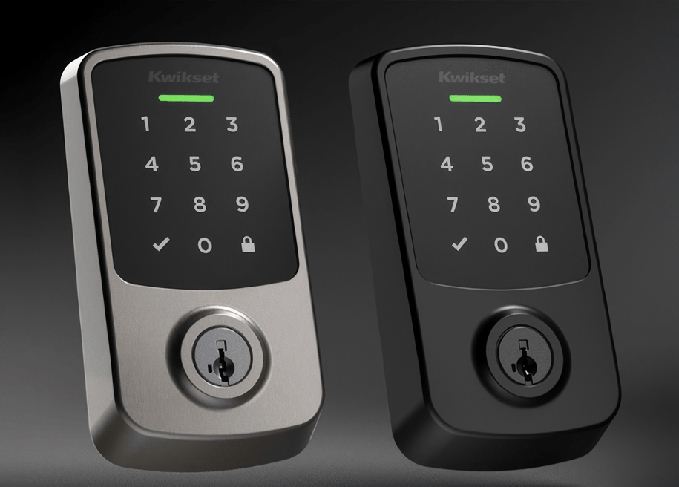
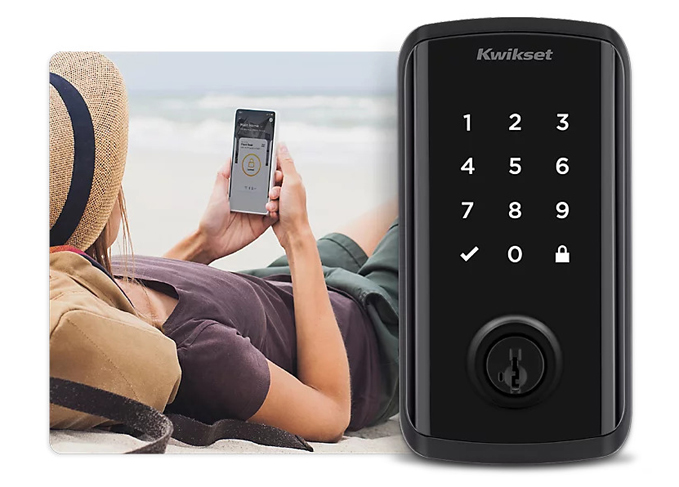
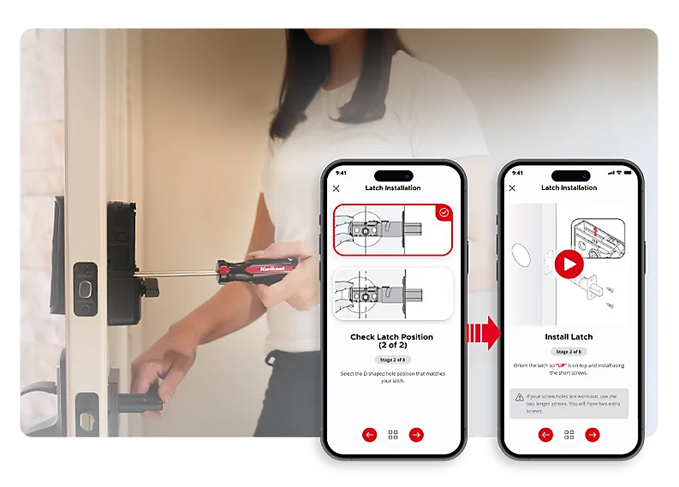
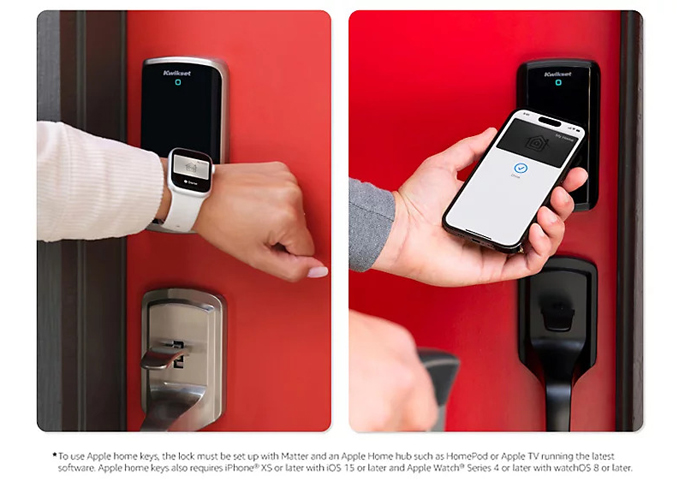
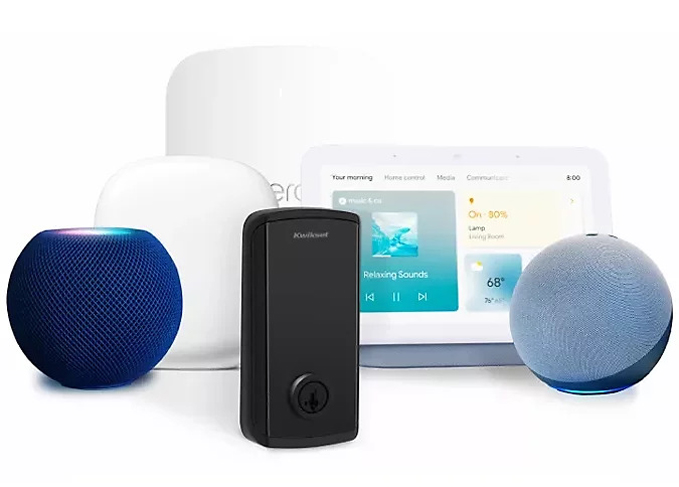
Why Choose Kwikset Smart Locks?
Kwikset smart locks combine simplicity, security, and smart home compatibility, all things that modern households need. With a range of models and features to choose from, Kwikset products make it easy to improve your home without sacrificing safety or style.
Whether you want to add smart access to a garage entry or back door or upgrade the main entrance, Kwikset residential locks are a perfect fit. Key benefits include:
Top Kwikset Smart Locks We Recommend
We’re proud to install and support the most popular Kwikset Z-Wave compatible smart locks, including:
Unsure which one meets your needs? Let our team advise you on the best options for your lifestyle and home.
Seamless Integration With True Protection Systems
Kwikset locks are smart technology, but they’re even smarter when integrated with a True Protection security system. Rely on our expert configurations to get your lock working with your:
From disarming alarm systems upon entry to remotely unlocking doors for trusted individuals, Kwikset Z-Wave locks enhance both protection and convenience.






Ready To Upgrade?
Experience the future of home security with True Protection and Kwikset.
Explore Kwikset Locks
CALL +1-800-393-6461 NOW TO GET A FREE QUOTE.
Get protected with industry leading pricing on advanced business security systems, surveillance, & access control. Our reputation over the past 15 years speaks for itself. Call now or fill out the form to speak with an industry professional!